



Somebody you do not know sent you an invite. Or a message about a job, a deal, an investment. Or they are on your list of people to contact next week, and you want to know if there is anyone real behind the name.
You cannot see inside LinkedIn. You do not need to. Everything below uses only what anyone can see on a public profile, plus a search engine. No paid tool, no login tricks. It takes about ten minutes, and most of the time two minutes is enough.
The short version
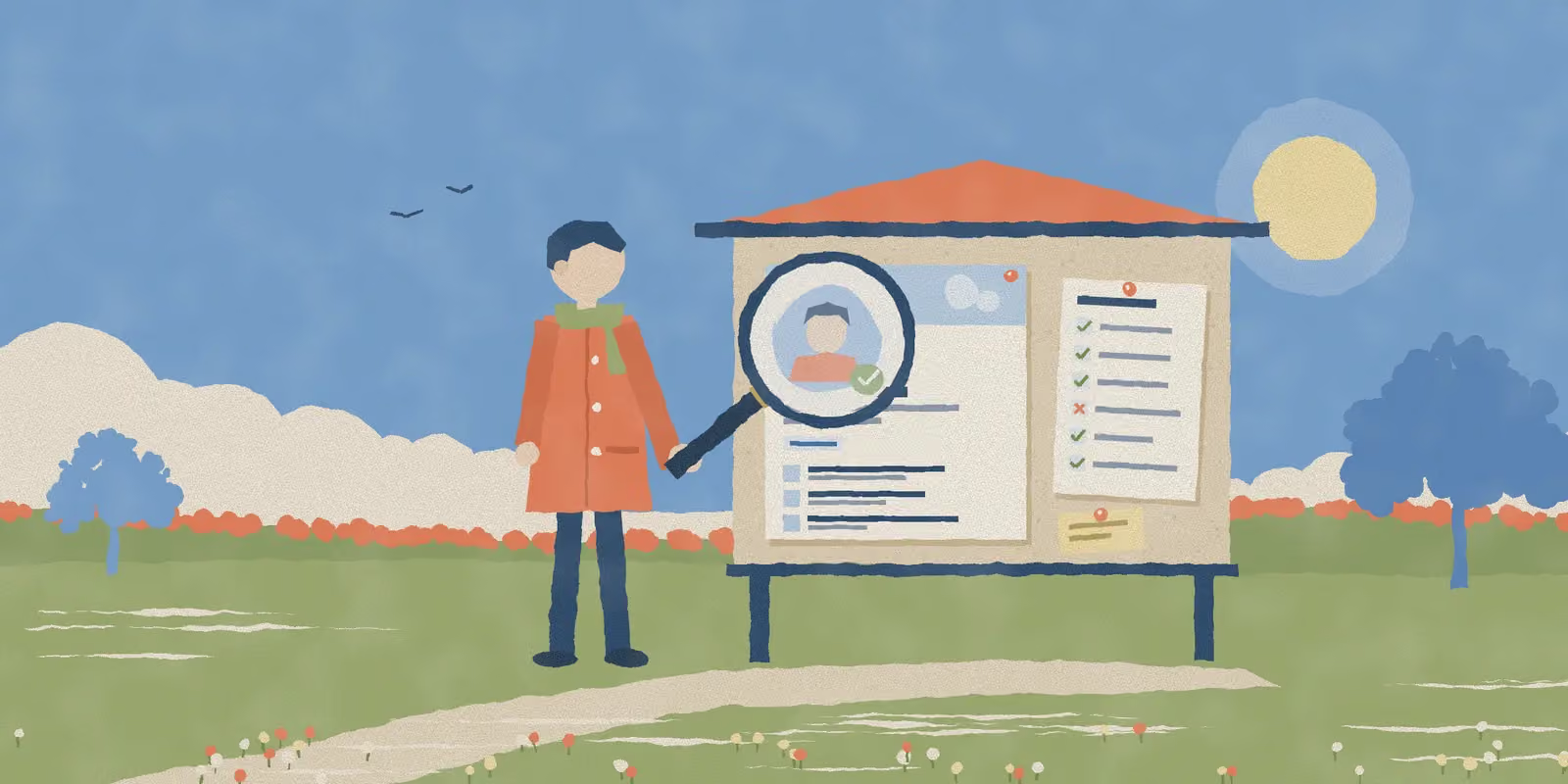
Check seven things. Count how many look wrong. Then act on the count, not on any single one.
- 1
The photo. Reverse search it. Look for the tells of a generated face.
- 2
The badge. Tap it to see what was checked: an ID, a workplace, or both.
- 3
About this profile. When the account was made, and when it last changed.
- 4
Current role. Does the company exist, and does its page list them?
- 5
The network. How many connections, who they are, and one you can ask.
- 6
Work history. Dates on every role. No overlaps or gaps that make no sense.
- 7
Activity. Posts, comments and recommendations from people who look real.
A real person can fail one of these for boring reasons. A fake account usually fails three or four at once, because each one costs the person running it time or money to fake well.
1. The photo
Start here, because it is the fastest.
Right-click the photo and search it with Google Lens, or upload it to TinEye. If the same face shows up as a stock photo, a model's portfolio, or on a profile with a different name, you are done. That is the clearest red flag there is.
If nothing comes back, look at the photo itself. Generated faces have gotten very good, but they still slip in the details:
- Earrings that do not match, or glasses that melt into the face.
- Hair that blends into the background with no clear edge.
- A background that is soft and shapeless, with no real room behind the person.
- Eyes sitting in exactly the same spot as every other generated face, dead centre.
LinkedIn has checked new profile photos for signs of generation since 2022, so the lazy fakes mostly get caught. What gets through is the careful ones. That is why the photo is only one check of seven.
No photo at all is not a red flag on its own. Plenty of real people never uploaded one.
2. The verification badge
A small badge next to the name means LinkedIn checked something. Tap or click it to see what.
- Identity means a real person with a government ID owns this account. It runs through CLEAR in the US, Canada and Mexico, and through Persona in most other countries.
- Workplace means they proved they work at the company they list, with a work email, Microsoft Entra Verified ID, or a LinkedIn licence from their employer.
A badge is a good sign, and it is getting more common: LinkedIn says more than 115 million members are verified. But be clear about what it proves. A real person owns the account. It does not tell you what they want.
No badge is not a red flag either. Most members still do not have one.
3. About this profile
This is the check most people do not know exists.
On their profile, open the More menu and pick About this profile. LinkedIn added this panel in 2022. It shows when the profile was created, when it was last updated, and whether a phone number or a work email has been verified.
The date is what matters. A profile made three weeks ago, with a senior title and 500+ connections, does not add up. Real people build a network over years. Fake accounts need one fast, so they send invites to everyone.
A new account is fine for someone who says they just joined LinkedIn. It is odd for someone who says they have been a VP for ten years.
4. The current role
Read the headline and the current job, then check the company.
- Click the company name. Does it go to a real company page, or is it plain text with no page behind it?
- On the company page, open the People tab and search for their name.
- Look up the company outside LinkedIn. A website, an address, a team page, news.
This check just got stronger. On 23 September 2026 LinkedIn announced new tools against fake profiles. Companies can now remove people who falsely claim to work there, and can require workplace verification before anyone lists them. So a big company that does not list someone who claims to be a director there is a stronger signal than it was a month ago.
5. The network
Look at the number, then at the people.
The number on its own says little. 80 connections is normal for someone who barely uses LinkedIn. What you want to know is whether the network looks like a life. Real people are connected to old colleagues, classmates and people in their city. Fake networks are often all recruiters, all one country that does not match the profile, or all other accounts that look just as thin.
Then look for mutual connections. One mutual you actually know is worth more than every other check here. Send them a two-line message: "Do you know this person? They reached out about X." Most people answer.
6. The work history
Read the dates like a timeline, not a list.
Head of Growth, full-time
Founder and CEO, full-time
Account Executive
- Two full-time jobs at the same time, both still going.
- Two years with nothing on the page at all.
Things that should make you look twice:
- Two or three full-time jobs at the same time, all still going.
- Long empty stretches with nothing at all, on a profile that is otherwise busy.
- Roles with no dates, or titles with no company.
- A jump that skips every step: an assistant in 2023 and a chief officer in 2024.
- Job descriptions so general they could belong to anyone.
Real careers are messy, so one of these proves nothing. People freelance next to a day job, take a year off, forget to update. It is the pile-up that matters.
LinkedIn is also adding vouching: a verified colleague, connected for at least a year, can confirm they really worked together. When you see a vouch on a role, it is the strongest proof a stranger can get.
7. The activity
Scroll to their activity. Real people leave traces: a post about a new job, a comment on a friend's news, a recommendation from a manager.
Check the people behind those traces too. Recommendations that all arrived in the same week, from profiles that look just as thin, are not proof. They are part of the same setup.
Nothing at all is fine for a quiet user. Nothing at all plus a brand-new account plus a network of strangers is not.
Also: how they write to you
The profile is half the story. The message is the other half. These are the signs that matter most, whatever the profile says:
- They want to move to WhatsApp, Telegram or email quickly. LinkedIn itself warns about messages that try to move the talk off the platform.
- They ask for money, crypto, gift cards, or a login code.
- They send a link or a file before you have had a real exchange.
- The job or the deal is too good, and it has to happen fast.
Any one of these is enough to stop, even on a profile that passed every check.
Count the red flags
Go back through the seven checks and count what looked wrong.
0 to 1
Red flags
Carry on
One odd thing is normal. Lots of real people have no photo, or 80 connections, or a job they never updated.
2 to 3
Red flags
Check once more
Ask a mutual connection, or check them outside LinkedIn, before you share anything or book a call.
4+
Red flags
Walk away
Do not click links, move to another app, send money or send documents. Report it if they push.
This is a way to decide, not a verdict. It will be wrong sometimes, in both directions. It is still much better than a gut feeling at 11pm.
Before you reach out to someone
Most guides on this are about scams. There is a second reason to check a profile, and it matters if you sell on LinkedIn: you are about to spend your time on this person.
Fake and dead accounts do not reply. Every invite you send one is an invite you did not send to someone real, and LinkedIn limits how many you can send in a week. On a list of a few hundred leads you will not check everyone by hand, and you do not need to. Check the few that matter most: the big accounts, the people you are about to write a long personal message to, anyone you plan to book a call with.
For those, a one-minute version is enough:
- Photo: a real face, and not a stock photo.
- About this profile: the account is older than a few months.
- Current role: the company exists and lists them.
- A sign of life in the last three months: a post, a comment, a job change.
Four yes answers and they are worth your best message. Two or fewer and they go to the bottom of the list.
If finding and messaging the rest of the list is the slow part, that is what Personade does. It finds leads on LinkedIn and runs the outreach for you, so the time you save goes to the few people worth a closer look.
They are checking you too
Everything in this guide works in both directions. The people you contact open your profile and run the same checks, in about five seconds, before they decide to answer.
A new account, no photo, a thin work history and no badge makes you look like the thing they have been told to ignore. Even if you are completely real.
Our free LinkedIn profile trust checker runs these signals on your own profile. It gives you a score, the red flags a stranger would notice, and how to fix each one. It is built for your own profile only, not for judging other people.
What you cannot check
To be honest about the limits:
- A private profile shows very little to people outside the person's network. In that case, the checks outside LinkedIn and the mutual connection matter more.
- Nobody outside LinkedIn knows how its own systems rate an account. These are public signals, not a copy of LinkedIn's rules.
- Stay away from tools that ask for your LinkedIn password to check other people. Handing over your login is a bigger risk than the stranger you wanted to check.
And a thin profile is not a crime. Many real people barely use LinkedIn. Save reports for accounts that push you for money, codes, documents or a move to another app.
Common questions
How can I tell if a LinkedIn profile is fake? Look at seven public things: the photo, the verification badge, the About this profile panel, the current role, the network, the work history dates and the activity. One odd signal is normal. Three or four together is the pattern fake accounts leave.
Can I see when a LinkedIn profile was created? Usually, yes. LinkedIn added an About this profile panel in 2022. On a member's profile, open the More menu and pick About this profile. It shows when the profile was created and last updated, and whether a phone number or work email has been verified.
Does a verification badge mean the person is safe? No. It means LinkedIn checked something: a government ID, a workplace, or both. It proves a real person owns the account. It says nothing about what they want from you.
Is there a tool that checks someone else's LinkedIn profile for me? Be careful with any tool that asks for your LinkedIn login to do it. The checks in this guide take ten minutes by hand and need nothing but a browser. Our own trust checker is built for your own profile, not for judging other people.
Should I report a profile that looks fake? Report it if it is pushing you: asking for money, codes, documents, or to move to another app. A thin profile on its own is not a reason. Lots of real people barely use LinkedIn.